Step 1 · Connect
Connect your smart locks
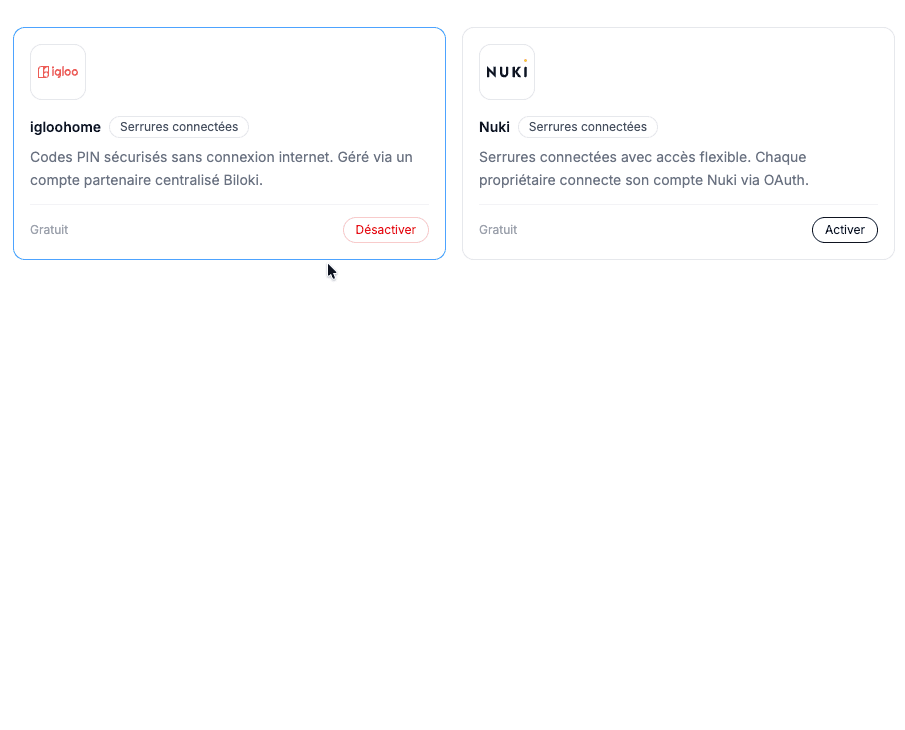
Add your Nuki or Igloohome smart locks from the Marketplace, following a guided setup.
Keypad, key box, smart lock: configure exactly how each guest accesses their accommodation, and let Biloki handle access automatically.
.svg)
Step 1 · Connect
Add your Nuki or Igloohome smart locks from the Marketplace, following a guided setup.
Step 2 · Automate
Connect each smart lock to its property, so Biloki knows which access to manage where.
Step 3 · Guest delivery
Build your guest access journey and connect your smart locks to it: it will be visible in the guest guide and in each contractor mission.
Step 4 · Staff missions
The code is created automatically with each booking, and the guest receives it in their guide before arrival.
Step 5 · Tracking
Find in your settings the complete history of generated codes, by property and by user.
From the arrival journey to staff codes, everything is set up once and handled automatically from then on.
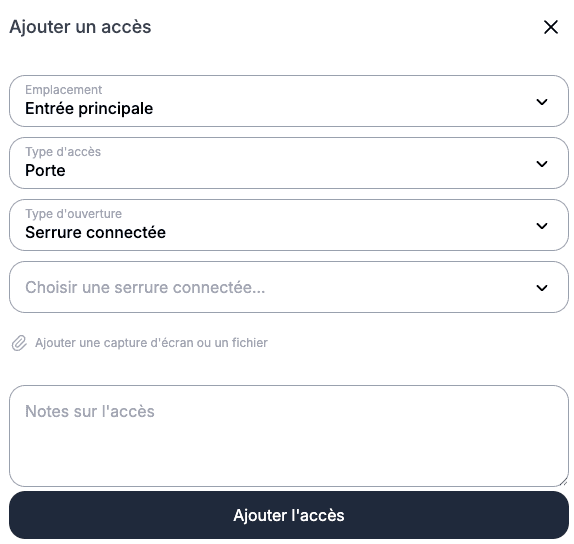
Gate code, key box location, floor, building keypad: you configure each step of the access journey, with photos or videos as support. Guests find them in order, directly in their guide.
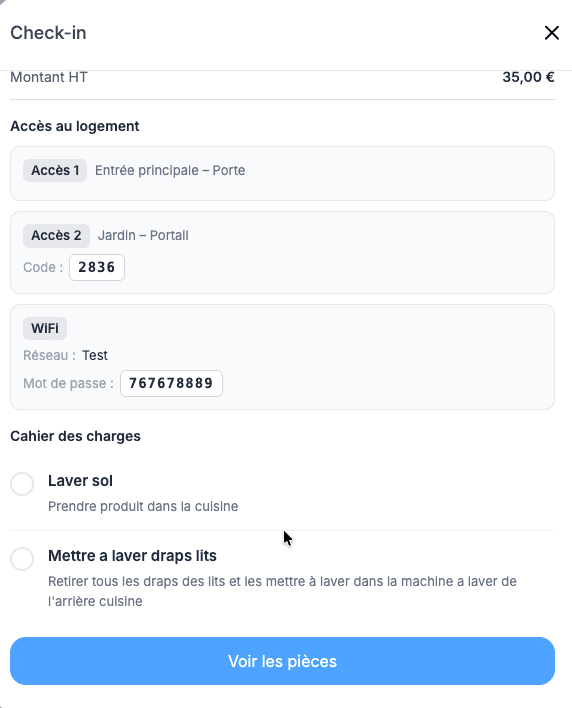
Cleaning, maintenance, check-in: every assigned mission automatically generates the smart lock access code needed, valid only for the duration of the task.
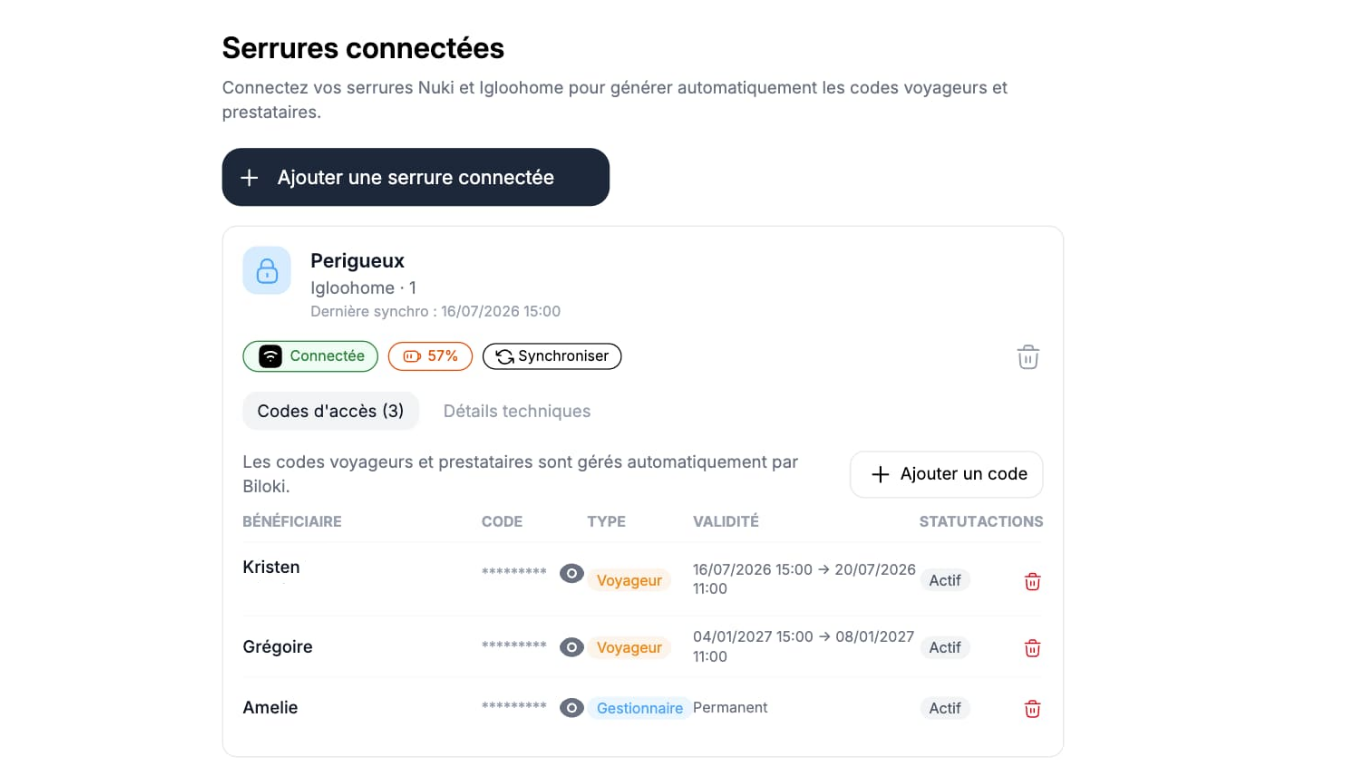
For concierge managers and property owners, a permanent code can be created for easy access to the property at any time.
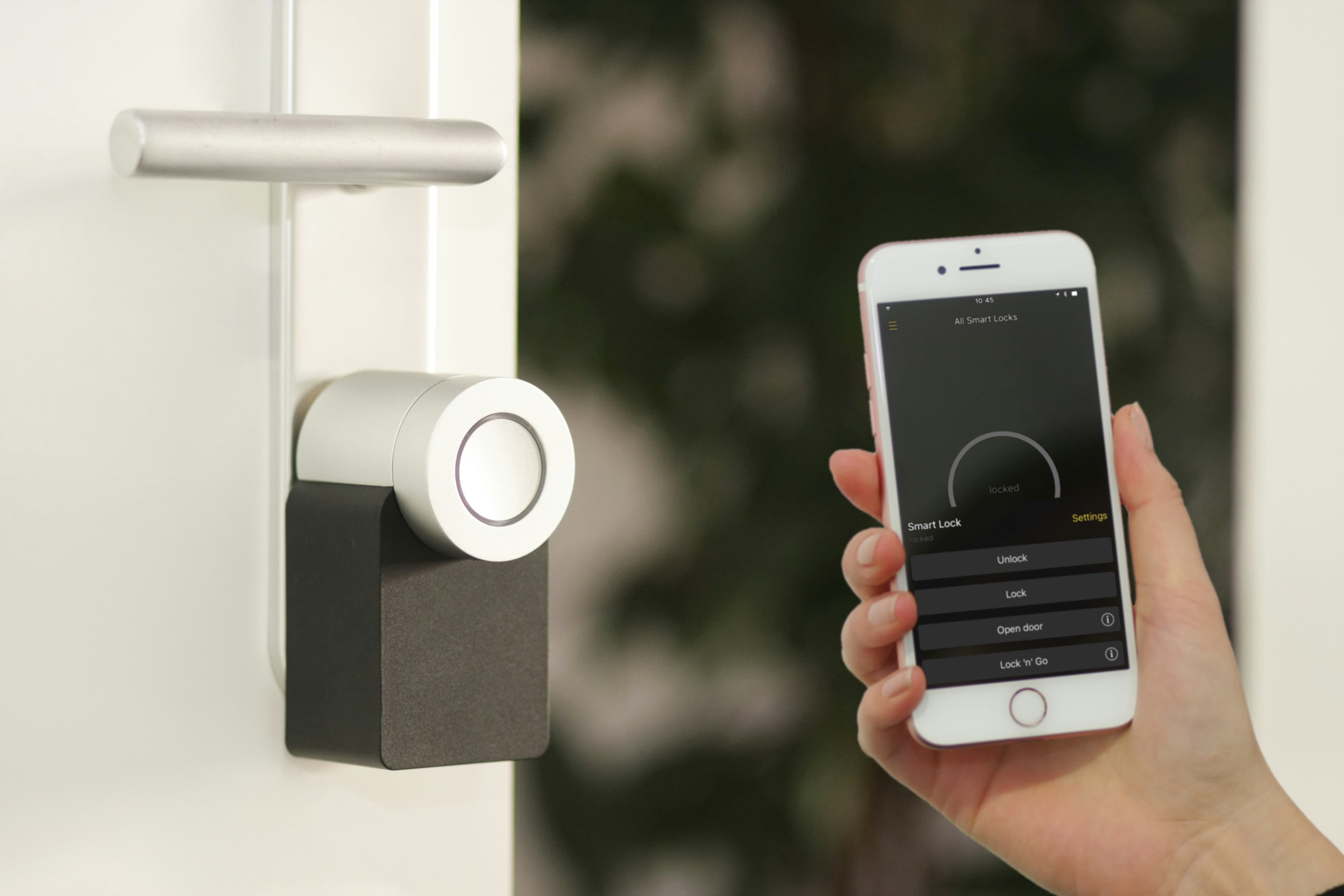
Keypad, lockbox or smart lock: you define the entry flow for each property once, and Biloki reuses it automatically.
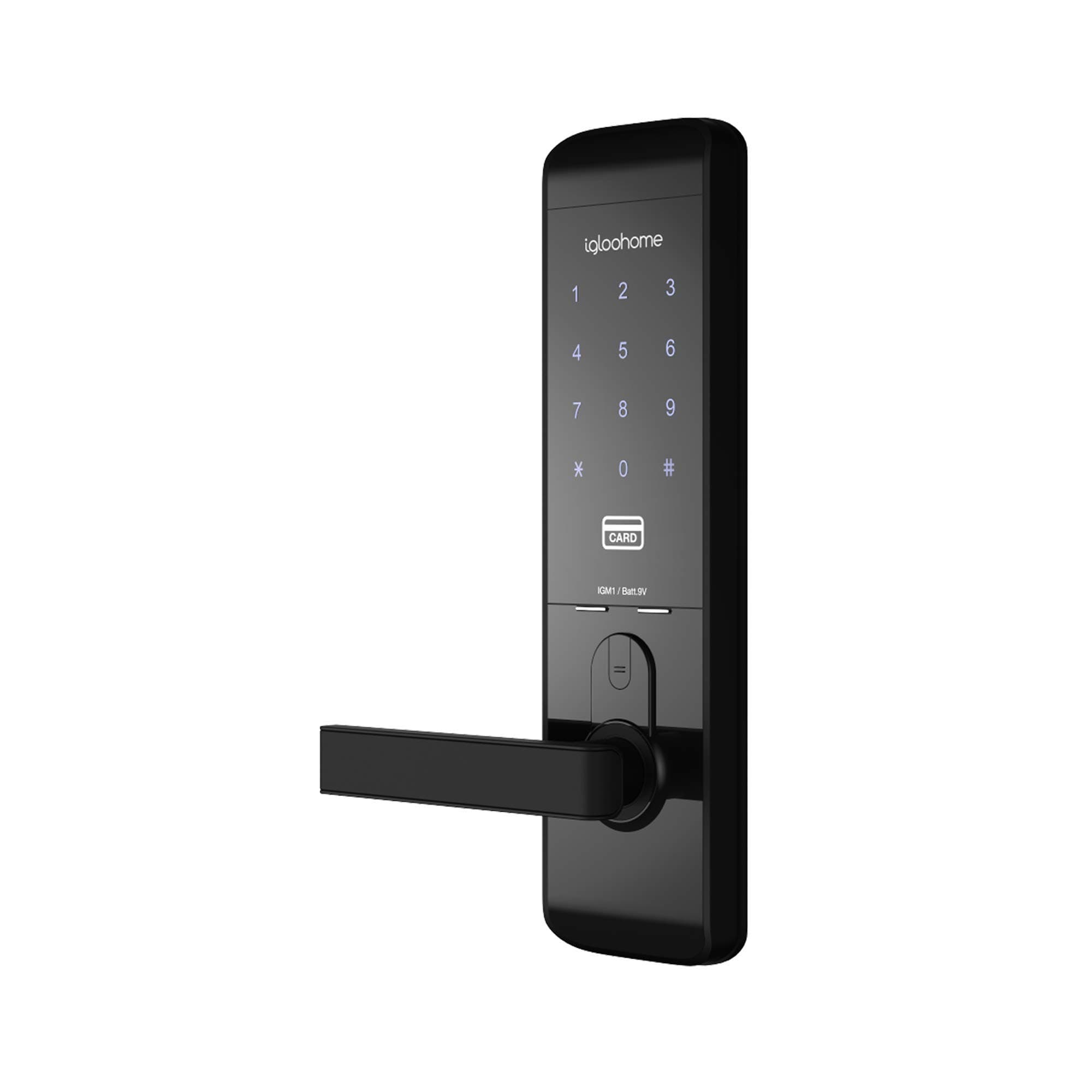
Guests, providers and owners receive the right access based on their role and the scheduled time window, with no manual handling.
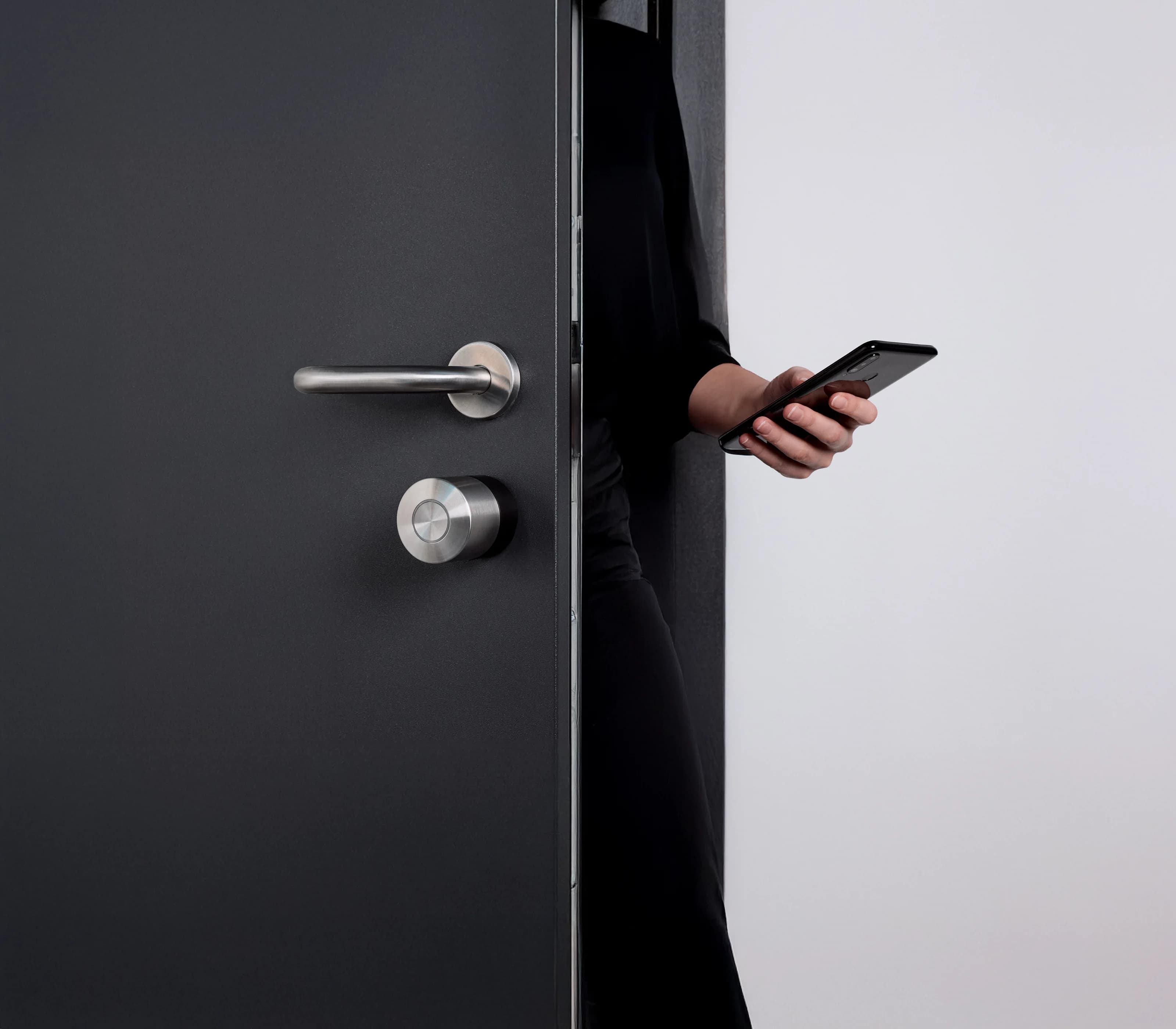
You can track every generated code, its recipient and its validity period from one single place.
Book a personalized demo and see how Biloki automatically manages all access to your properties.
You configure each step (gate, building, floor, door) with photos or videos, and guests find them in order directly in their guest guide.
No, you can create an access journey even without a smart lock (keypad, key box). The smart lock simply automates the final step.
Biloki connects directly to Nuki and Igloohome locks via their official APIs.
No. Whether it's a code displayed in the journey or smart lock access, everything is generated and delivered automatically in their guest guide as soon as the booking is confirmed.
The code linked to their mission expires automatically at the end of the planned intervention period.
Yes, a permanent code can be created for an owner or manager, based on the permissions you define.
Connection status and battery level are visible in real time, with a manual sync option available if needed.